Task management for people
who think in outlines

Real-time sync. Calendar integration. Recurring tasks. AI scheduling. Email digests. Free to start — from $4/month to unlock more.

Get Started Free See Features
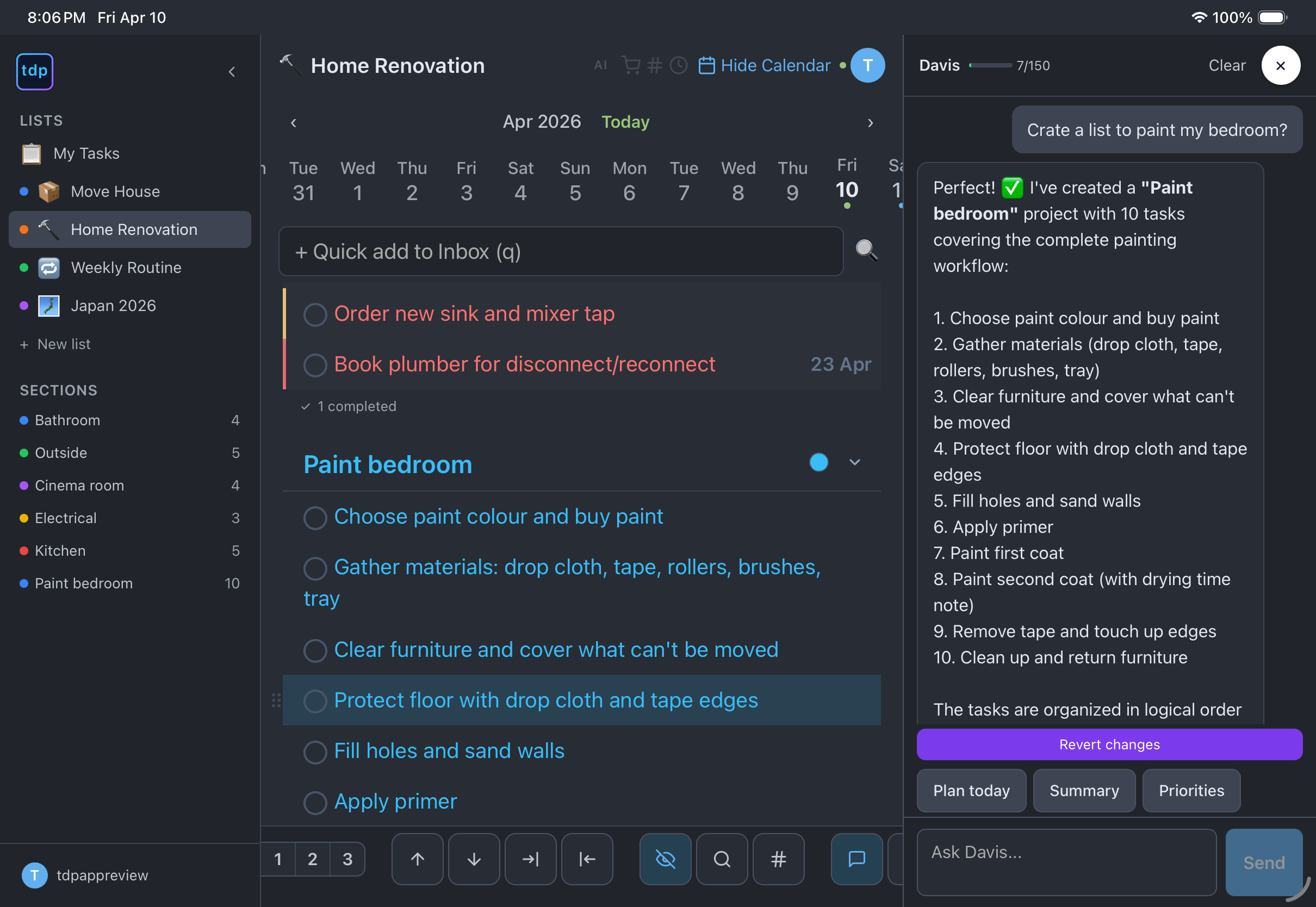
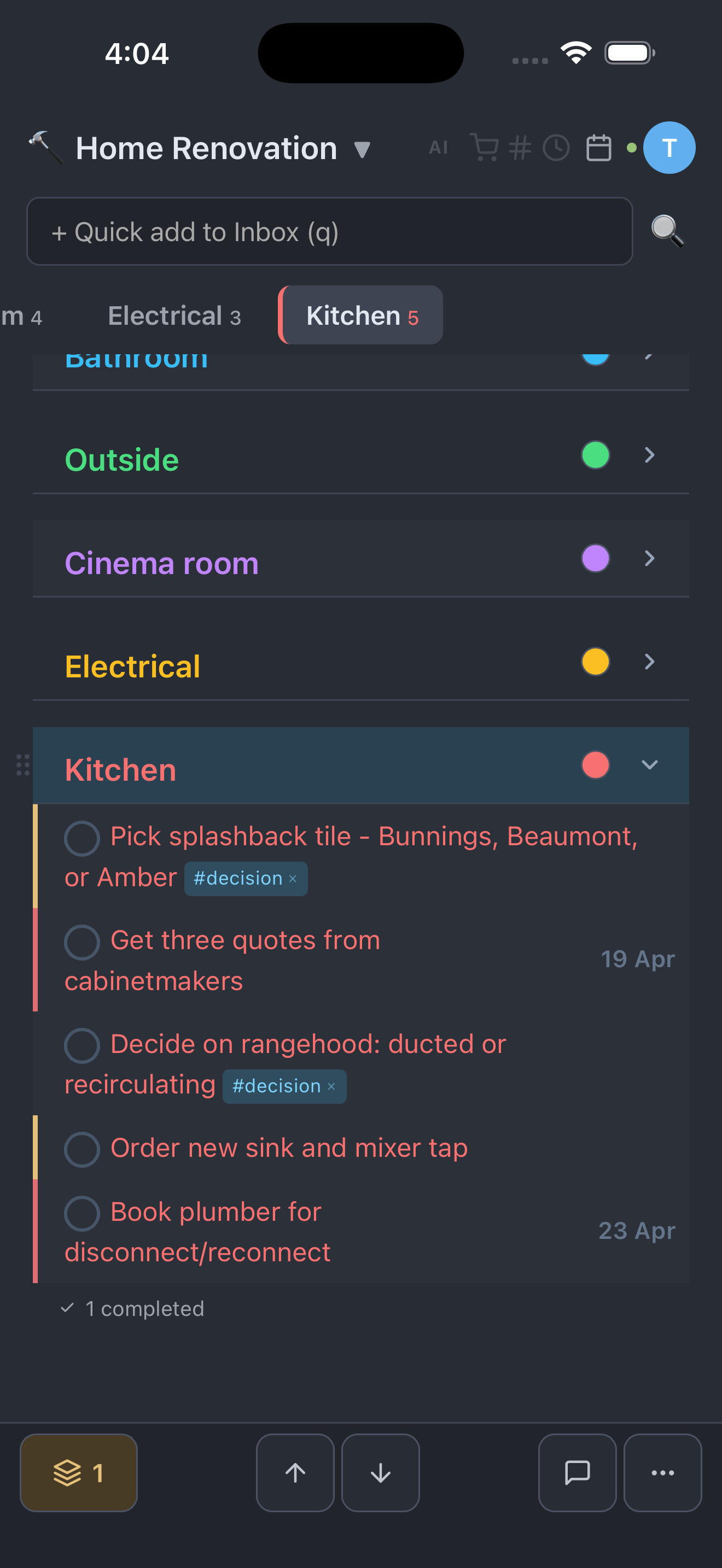
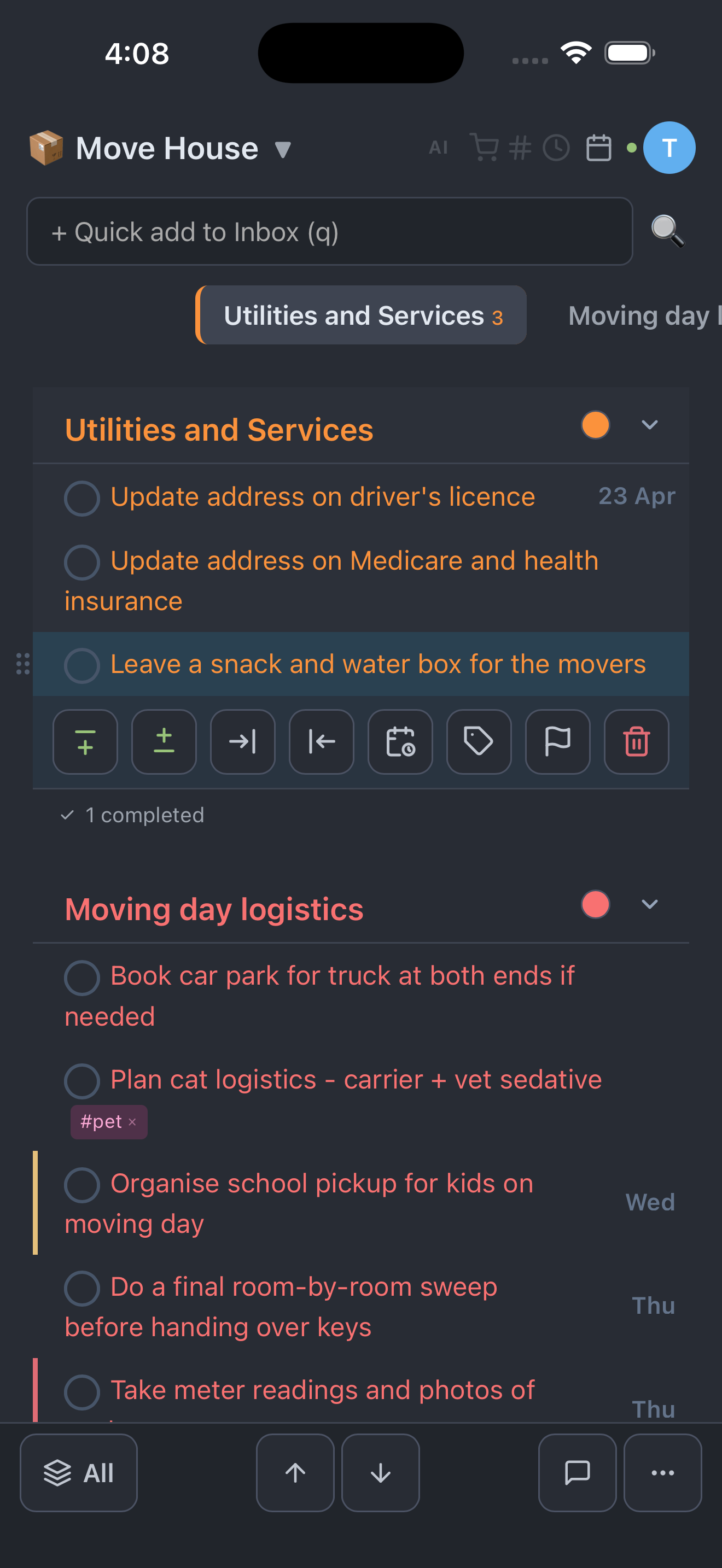
tdp — The Davis Planner: task list with vim keybindings, calendar strip, and AI chatbot

Built for power users

Everything you need to manage tasks at the speed of thought

Real-time Sync

Changes appear instantly across all your devices. Share a list with family — edits sync in real time via WebSocket. No refresh needed.

Free
📅

Dual Calendar Sync

One-way sync to Apple Calendar and Google Calendar. Per-list mapping. Recurring task done history preserved as permanent events.

Plus
🔄

Recurring Tasks

Daily, weekly, monthly, yearly — or custom (every 2 weeks on Mon/Wed). Completed occurrences preserved in calendar history. Never miss a routine.

Free
🧠

Smart Schedule

AI analyses your overdue items, priorities, and upcoming tasks — then suggests due dates. One click to apply. Let AI plan your week.

Pro

Daily Email Digest

Get a morning email with today's tasks and overdue items. Per-list config: choose the time, timezone, and recipients. Never forget what's due.

Plus
🤖

AI Chatbot (Claude)

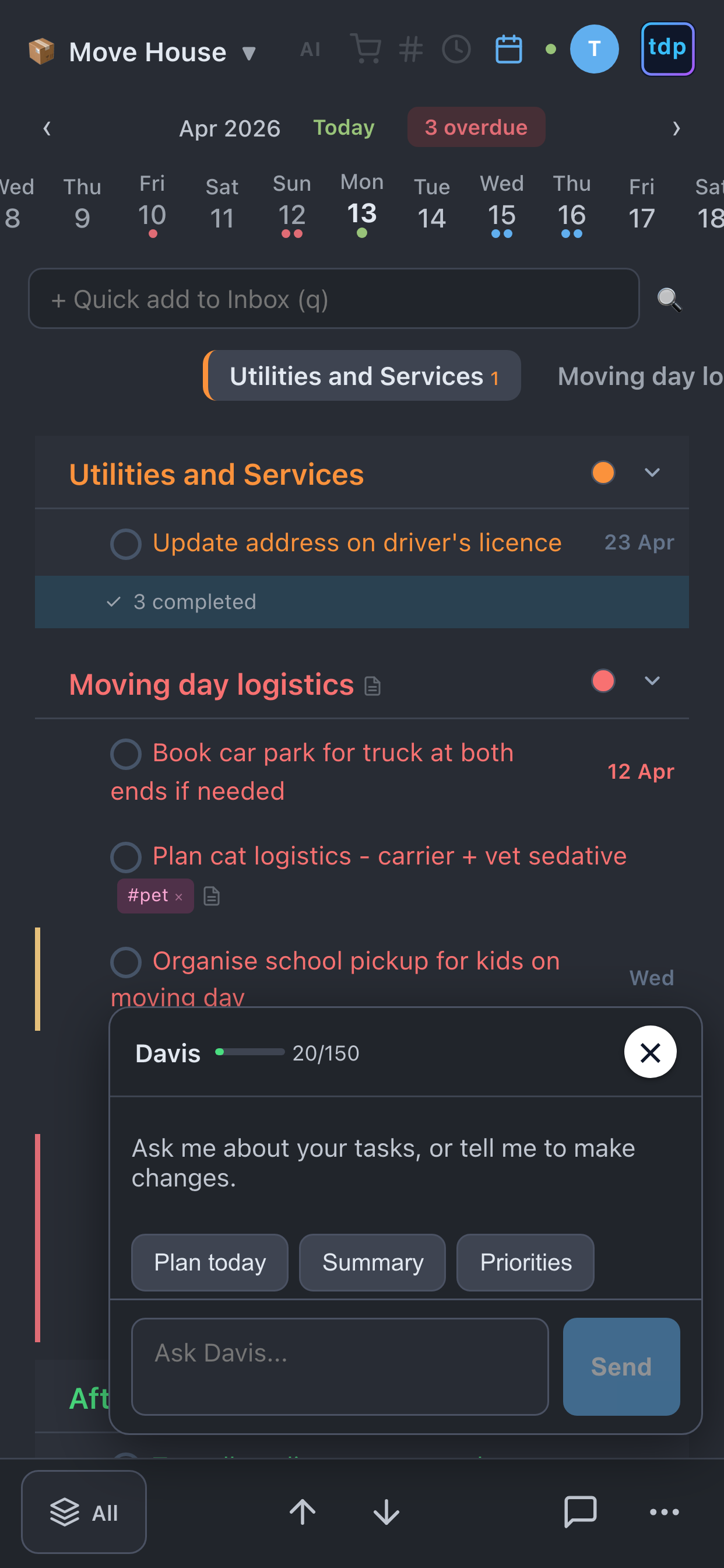
"Move groceries to Saturday." "What's overdue this week?" 16 AI tools that read AND modify your tasks. Powered by Claude — not a toy autocomplete.

Pro
🌳

Unlimited Nesting

Headings, tasks, subtasks, sub-subtasks — as deep as you need. Instant reorder. No 4-level limit like Todoist.

Free

Vim Keybindings

30+ keyboard shortcuts: j/k navigate, o/O create, dd delete, Tab indent, m move, / search. The power user's secret weapon.

Free
Recurring tasks (RRULE) #hashtag tags Priority levels Natural language dates Email alerts 50-level undo Drag reorder Quick add + Inbox List sharing & invites Multi-list Real-time sync AI Shopping List Mobile PWA

Simple pricing

Full task management free. Upgrade for more lists or AI.

Free

$0
No credit card required
  • 2 lists, 50 items each
  • 2 levels of nesting
  • Vim keybindings (30+)
  • Recurring tasks
  • Tags, priority, #hashtags
  • Real-time sync
  • Invite & share lists
  • Calendar sync
  • Email digest
  • AI features
Get Started Free

Plus

$4/month
Full task management
  • 10 lists, 500 items each
  • 5 levels of nesting
  • Everything in Free
  • Calendar sync (1 list)
  • Email digest (1 list)
  • AI Chatbot
  • Smart Schedule
Start Plus

How tdp compares

FeaturetdpTodoistTickTickThings 3
PriceFree / $4 / $8$60/yr$36/yr$80 once
Vim keybindings
AI chatbot (modify tasks)
Apple Calendar syncRead only
Google Calendar sync
Unlimited nesting4 levels5 levels2 levels
NL date + time parsing
Recurring done history
Free tier (all core features)
Cross-platformPWA (all)Native (all)Native (all)Apple only

Questions

Is there a free plan? What are the limits?

Yes. The free plan includes 2 lists, 50 items per list, recurring tasks, tags, priorities, vim keybindings, and real-time sync. No credit card required. Upgrade to Plus ($4/month) for more lists and calendar sync, or Pro ($8/month) to add AI features.

Can I cancel anytime?

Yes. Cancel from Settings in one click — no hoops, no hidden fees. You keep full access until the end of your billing period, then revert to the free plan. All your tasks and data stay.

Is my data private and secure?

Your data is encrypted in transit (TLS) and at rest (AES-256). Calendar credentials are encrypted with pgcrypto. Row-level security ensures you only see your own data. We never sell, share, or use your data for AI training. Hosted on Supabase (PostgreSQL) in Australia.

Does it work on my phone?

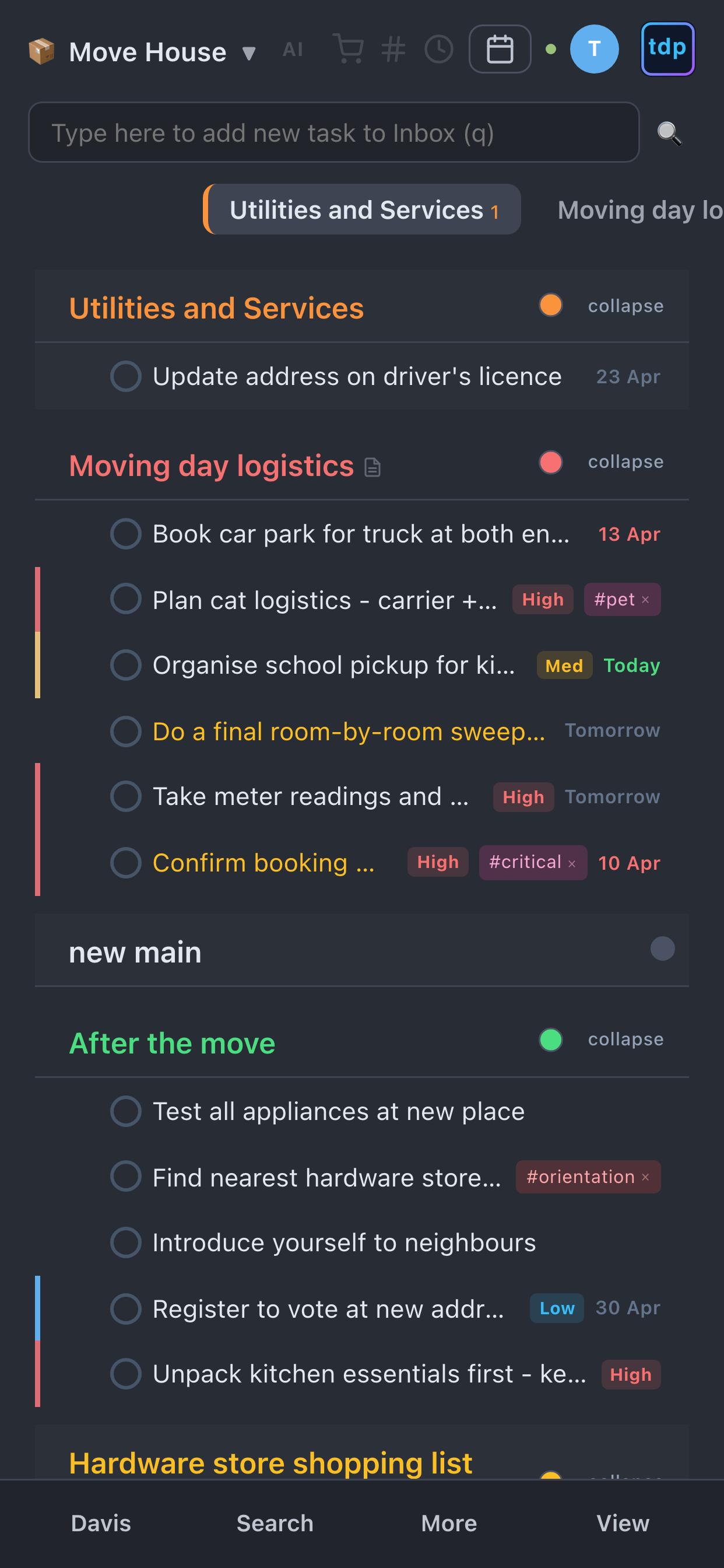
Yes. The davis planner is a Progressive Web App — open it in your phone's browser, tap "Add to Home Screen", and it works like a native app. Touch gestures, swipe to indent, responsive design. Works on iPhone, Android, iPad, and desktop. Requires an internet connection.

Can I share lists with my family or team?

Yes. Invite anyone by email — they get a free account. Share specific lists with owner, editor, or viewer roles. Changes sync in real time across all devices. Each person manages their own subscription independently.

How does calendar sync work?

Tasks with due dates automatically appear in your Apple Calendar (via CalDAV) or Google Calendar (via REST API). It's one-way: the davis planner to calendar. When you complete a recurring task, a permanent "done" event is created in your calendar as history.

What does the AI chatbot do?

It's powered by Claude (Anthropic) with 16 tools that can read and modify your tasks. Say "move groceries to Saturday", "what's overdue this week?", or "create a packing list for my trip". Pro plan includes 150 AI messages per billing cycle.

Can I import tasks from Todoist or other apps?

Not yet — data import is on our roadmap. You can export all your tasks as JSON anytime. For now, the quickest way to get started is to create your lists fresh or use the AI chatbot to help organise.

What are vim keybindings?

30+ keyboard shortcuts inspired by the Vim text editor: j/k to navigate, o to create, dd to delete, Tab to indent, m to move, / to search. If you've never used Vim, don't worry — the app works perfectly with mouse and touch too. But if you have, you'll fly.

How do I get help?

Email support@thedavisplanner.com — we respond within 24 hours. Plus and Pro users can also use the in-app AI chatbot to ask questions about features and shortcuts.

Ready to plan at the speed of thought?

Join the task manager built for people who refuse to use a mouse.

Choose Your Plan